About Setup
To access Setup, use any of the following shortcuts:
- Browser > Setup
- [Displays] {Setup}
- [System] (Eos Apex 5 / Eos Apex 10 / Eos Apex 20 / Eos Apex FP)
- [Setup] (Element Classic)
Setup can also be accessed via a connected keyboard with ALT+S.
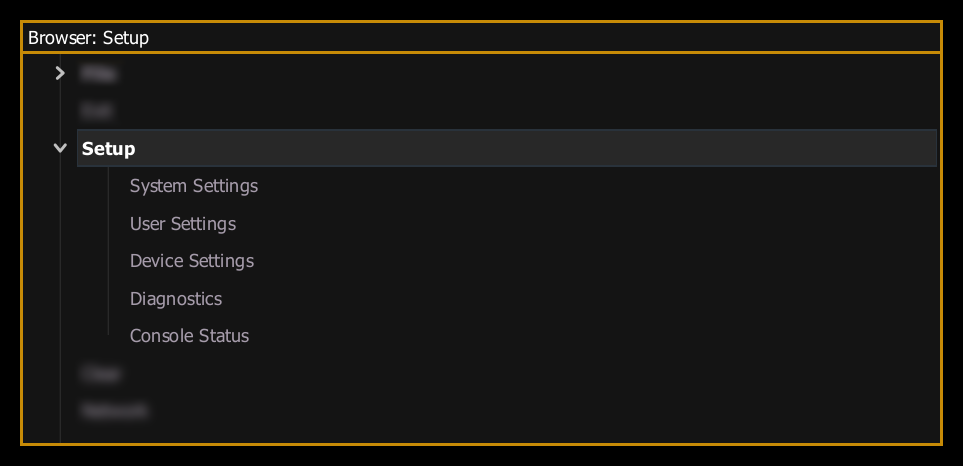
The Central Information Area (CIA) will display the following setup sections and their subsections:
Selecting a subsection will display any associated settings fields. To change the setting for any of these fields, press the field in the CIA to activate it. If the field requires data, enter it from the keypad, pop-up, or dropdown menu. If the field is a toggle state, one press of the button will switch the field to its other state.
Additional settings not found in Setup may be found in the Eos Configuration Utility (ECU).