Partitions
This display provides partition controls and an overview of any recorded partitions, including the four default partitions.
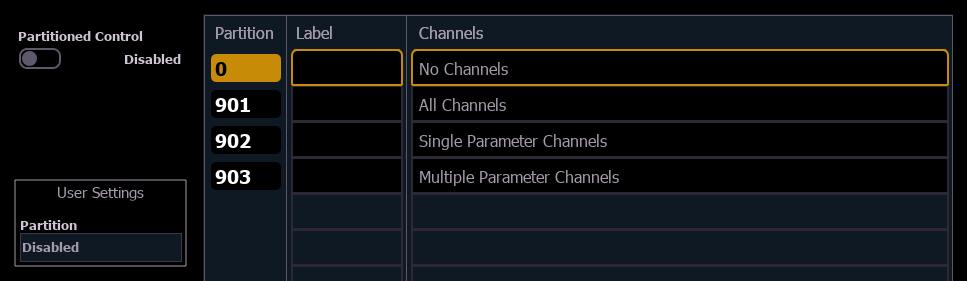
{Partitioned Control}
Enables or disables partitioned control system-wide. Defaults to disabled.
User Settings
When partitioned control is enabled, the partition assigned to the current user ID is displayed here. Select the field to change the assigned partition.
Partition List
Four default partitions are included:
- Partition 0 - no channels and no fader control. This is the default for all users when partitioned control is enabled for the first time on a show. To gain control, you must select a different partition.
- Partition 901 - all channels. Allows the user access to all channels.
- Partition 902 - single parameter channels. Allows the user access to only channels with a single parameter.
- Partition 903 - multiple parameter channels. Allows the user access to only channels with multiple parameters.
To select a partition in the list, enter it in the command line.
- {Partition} [9][0][2] [Enter]
If partitioned control is enabled, this will now be your assigned partition.
Any recorded partitions will also appear here. See Using Partitions.