
Number Edit
Number Edit skin is a button that can be assigned to allow user entry of a value or a specific control element. For example, a Number Edit button may be assigned to control intensity of a dimmer or fixture.
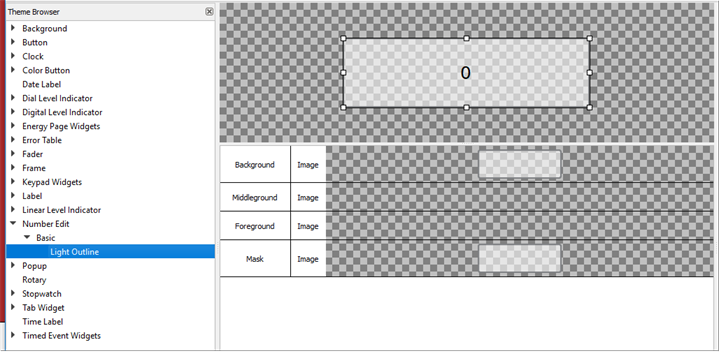
The following skin elements are supported by the Number Edit:
- Background - drawn underneath any text and/or icons within the label
- Middleground - drawn between the background and foreground
- Foreground - drawn above any text and/or icons
- Mask – see Mask Element