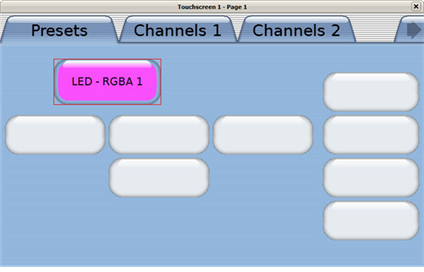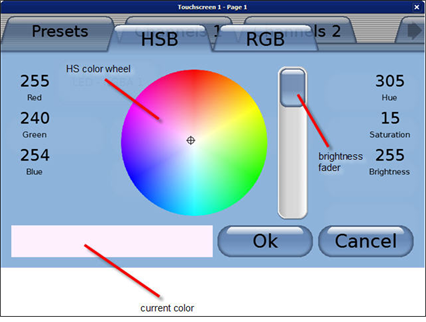
A color button can be used to provide a simpler method to change color on a multi-parameter fixture from a single button on the Paradigm Touchscreen. The "Color Button" offers both a HSB color wheel and RGB faders for color selection.
In LightDesigner, while viewing the LCD in simulation, clicking on the "Color Button" displays the color picker on additional tabs (pop-up style).
The color picker displays both HSB and RGB tabs for selection. RGB faders are available on the RGB tab.
Note: The color picker displays the full range of colors even if the controlled fixture does not support them.
Changing a color from the current selection also changes the color that is displayed on the "Color Button" in simulation. As a reminder, simulation is representative of what will display on the Paradigm Touchscreen in normal operation.