Specify Input Sources
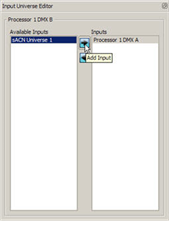
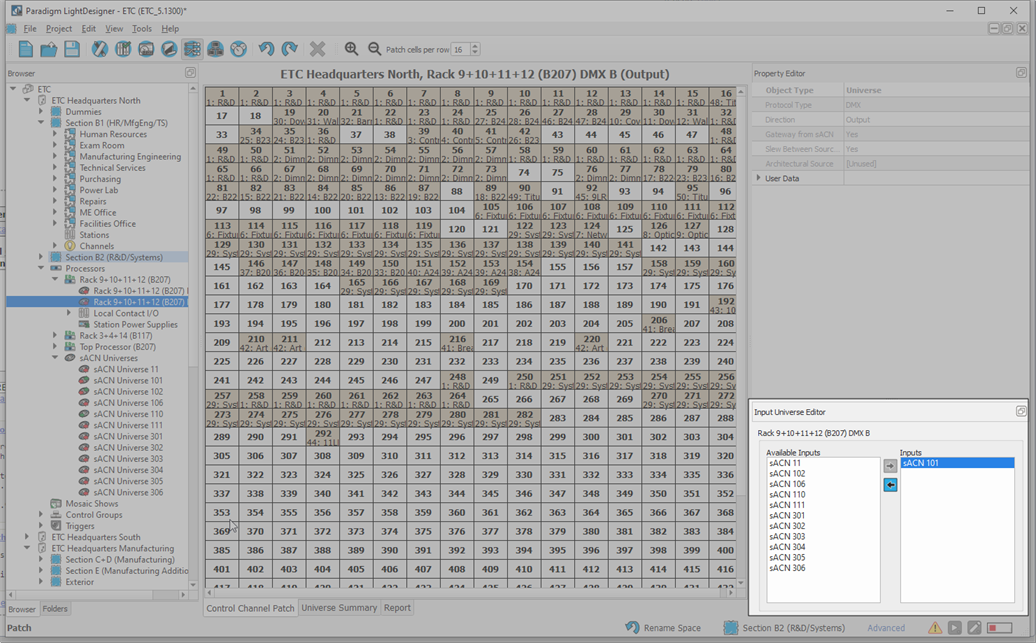
Use the Input Universe Editor to map available inputs to the selected output universe. This editor allows you to associate, for instance, local DMX port A input to local DMX port B output (this is configured by default). This editor also is used to create sACN gateways (DMX to sACN or sACN to DMX).
What is a Streaming ACN Gateway?
A streaming ACN gateway (sACN) is a condition where sACN levels from the network will be output on DMX. This occurs when a sACN universe has been configured to be an input to a DMX output port.
What is a DMX Gateway?
A DMX gateway is a condition where input DMX levels will be sent as sACN control to the network. This occurs when the DMX input port has been configured to be an input linked to a sACN universe.
Add / Remove a Input Source from an Output Universe
- Click on an output universe in the Browser.
- View the available inputs in the Input Universe Editor.
- Add or remove an input universe using the Input Universe Editor:
- To add an input, select a DMX or sACN universe from the "Available Inputs" list and click the Add Input
 button. The selected universe is added to the Inputs list.
 - To remove an Input, select a DMX or sACN universe from the "Inputs" list and click the Remove Input
 button. The selected universe is removed from the "Inputs" list and returned to the "Available Inputs" list.
- To add an input, select a DMX or sACN universe from the "Available Inputs" list and click the Add Input
Create an sACN Gateway
- To create a sACN gateway, you must first create a sACN universe. See "Create an sACN Universe".
- In the Browser, click to select the DMX output port that you want associated with the new sACN universe.
- Use the Input Universe Editor to connect the new sACN universe to the DMX input.