Editing Multicell Fixtures
You will need to select the master or cell profile to edit parameters. In this view, you'll be able to edit parameters, DMX, Home, Snap, and ranges and modes. See Creating a New Fixture and Range Editing Parameters.
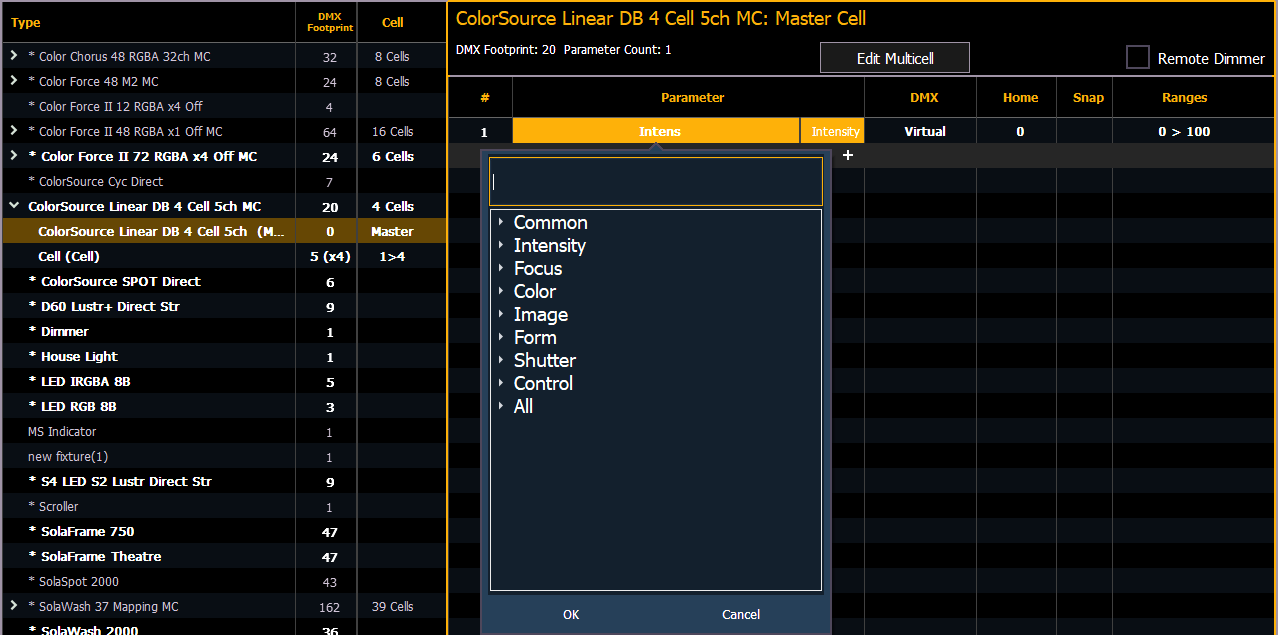
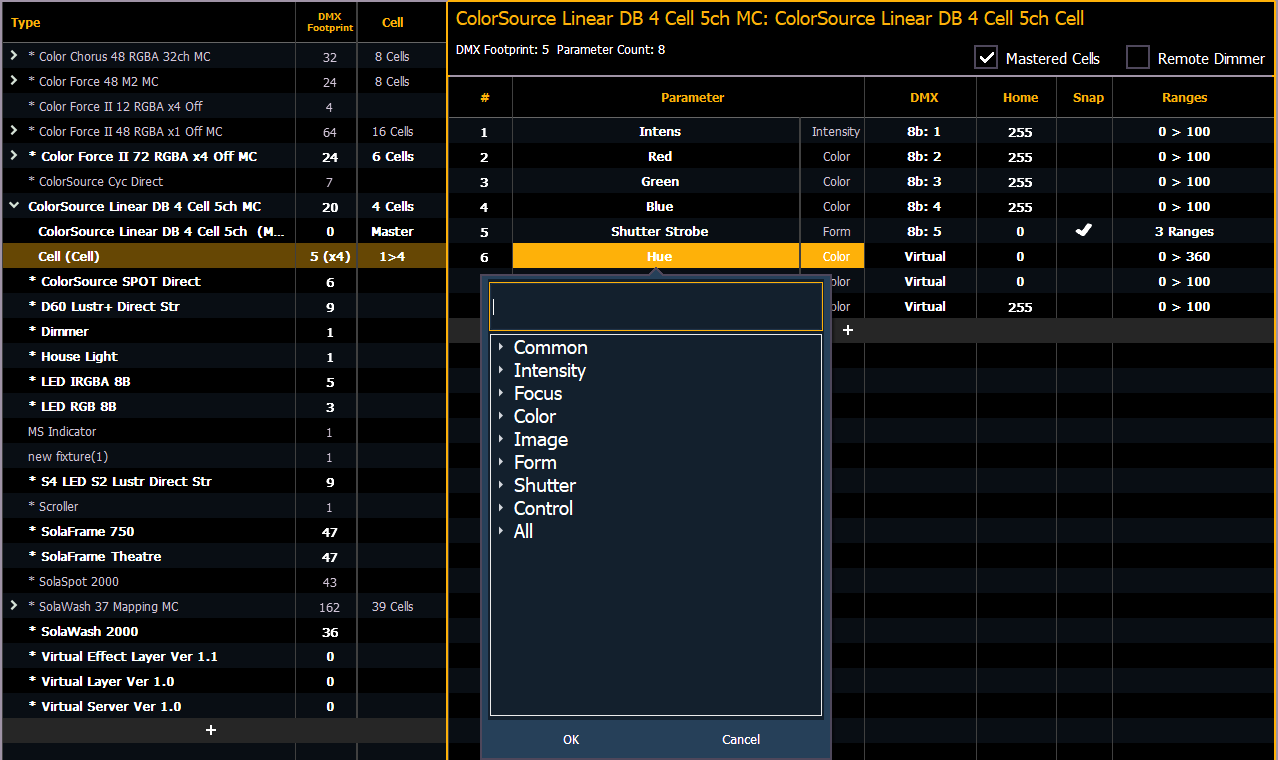
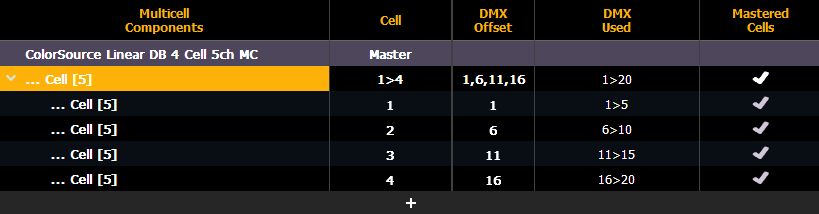
To change specific cell data such as DMX offset, you will need to use {Edit Multicell}. With a multicell fixture or a master cell selected in the fixture editor, press {Edit Multicell}. In the Edit Multicell window, you can edit cell numbers, DMX offset, and mastered cells for each cell.
Once you are finished editing, press {Save Fixture} to save your changes or {Cancel Edit} to remove the changes and exit the edit mode.